
Dialysis Audit Tool Pro
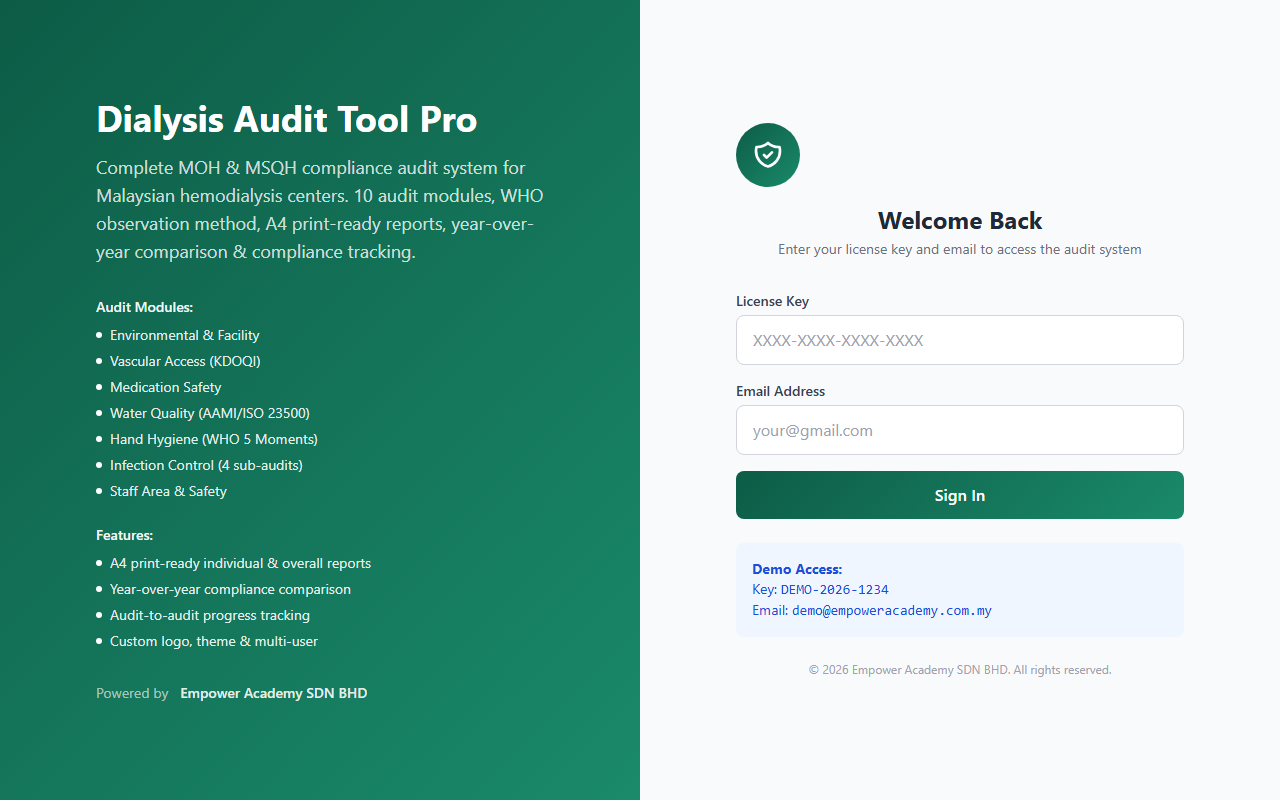
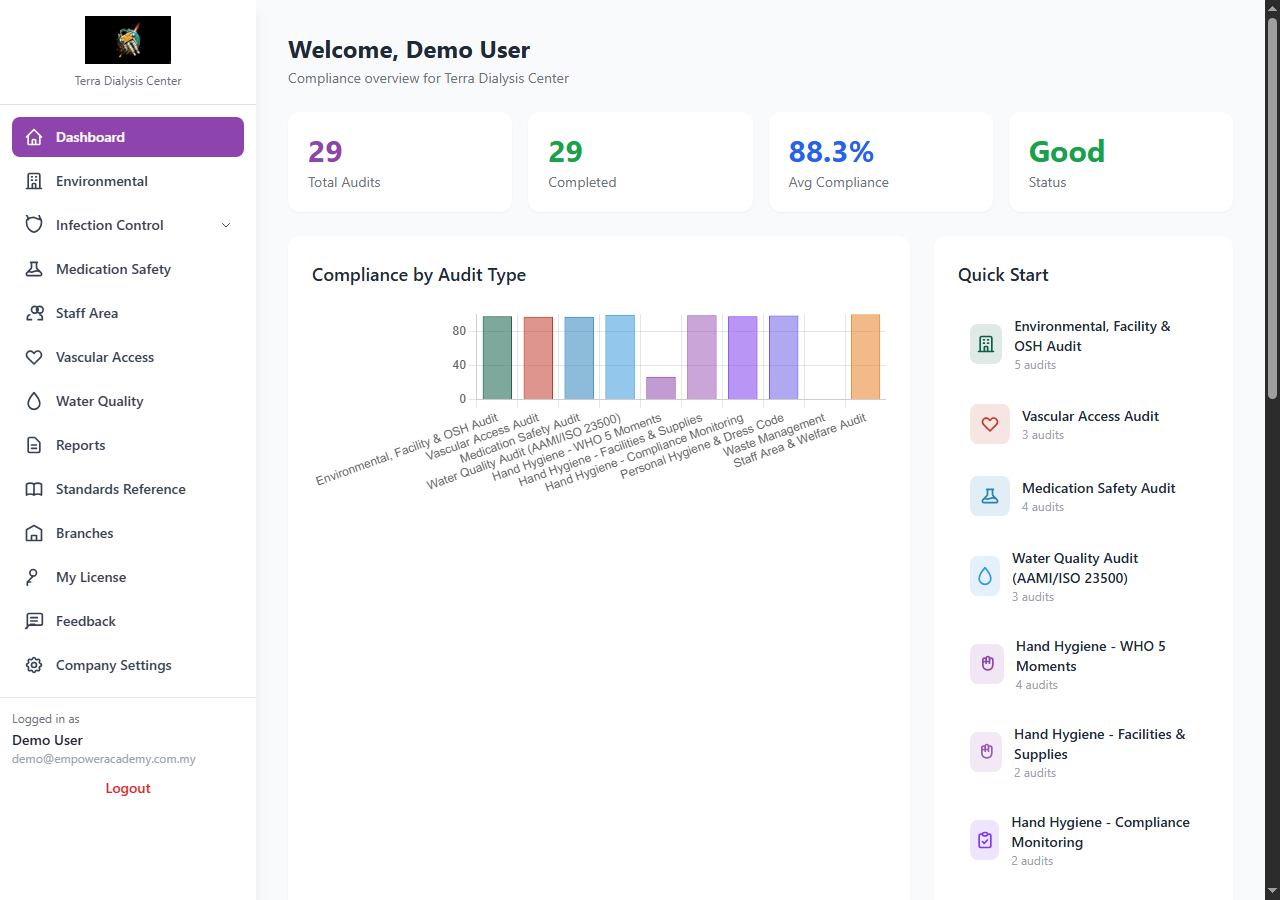
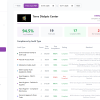
Complete MOH and MSQH compliance audit system for Malaysian hemodialysis centers. 10 audit modules, 315 items, WHO observation method, A4 print-ready reports, photo evidence and year-over-year tracking.
10 Audit Modules (315 items total)
| Module | Categories | Items | Standards Referenced |
|---|---|---|---|
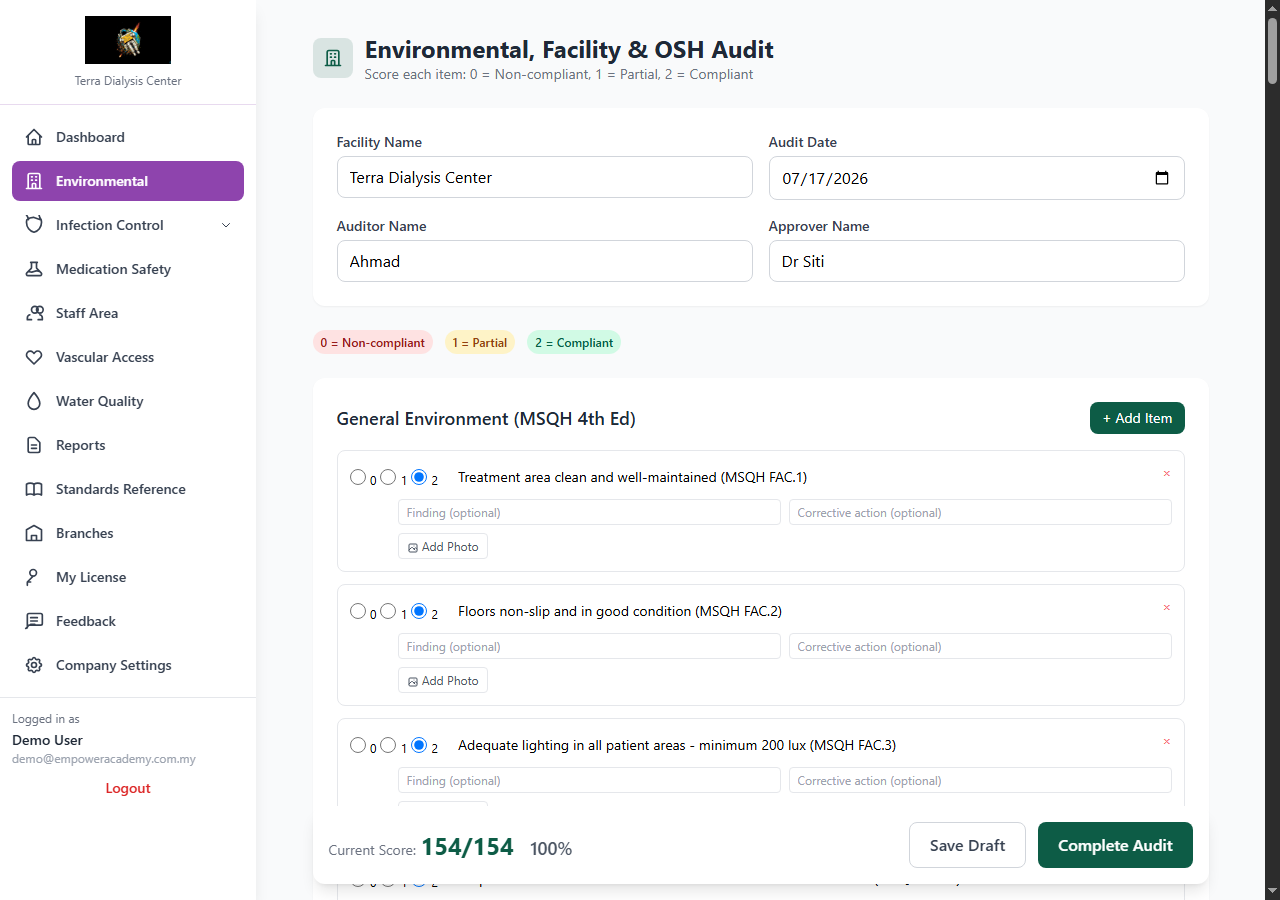
| Environmental, Facility and OSH | 7 | 77 | MSQH 4th Ed, OSH Act 514, Fire Services Act 1988 |
| Vascular Access | 4 | 28 | KDOQI 2019, MSQH HD, CDC |
| Medication Safety | 4 | 26 | KKM, WHO 5 Rights, Poisons Act 1952 |
| Water Quality | 3 | 29 | AAMI/ISO 23500, MSQH WQ, KKM |
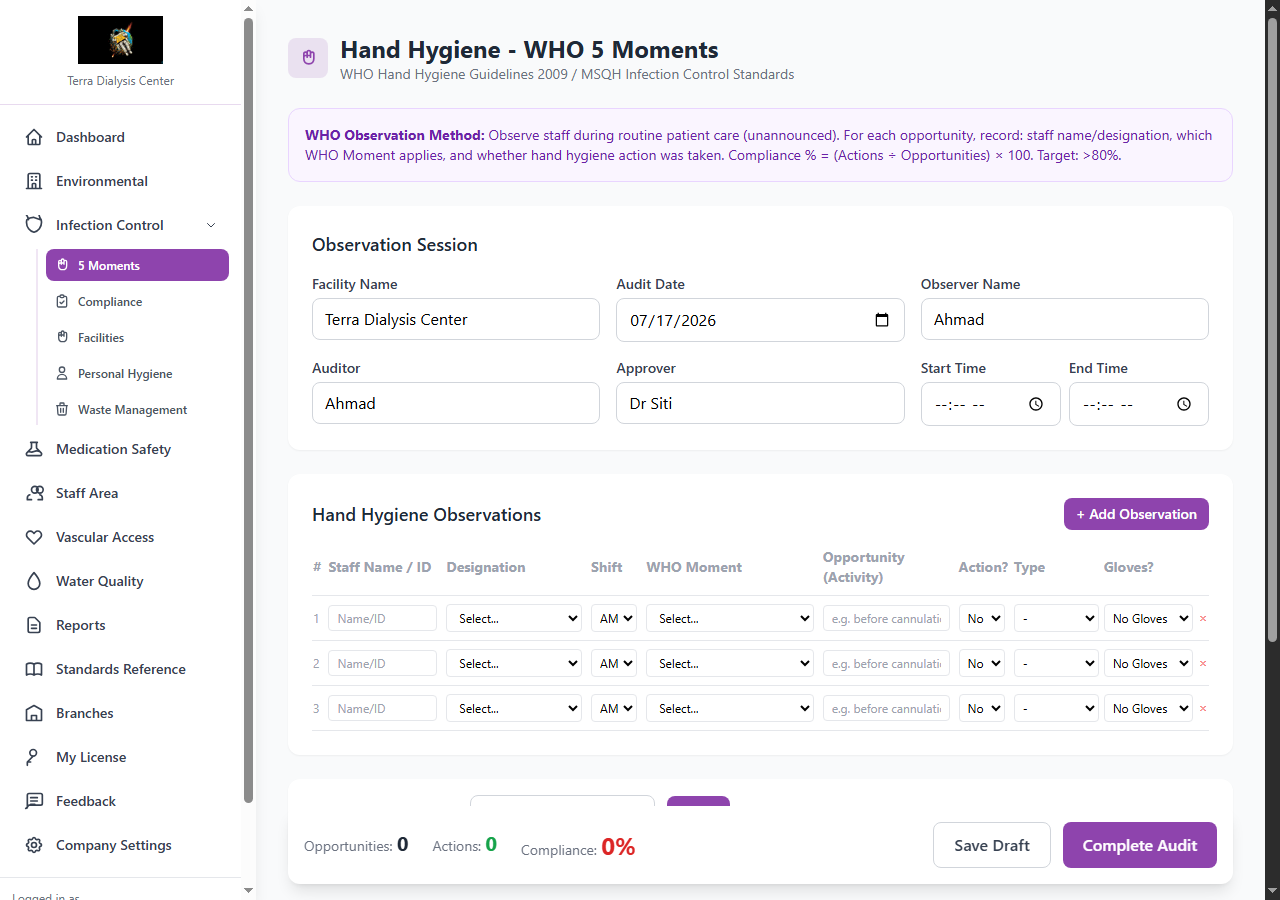
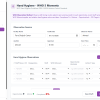
| Hand Hygiene – WHO 5 Moments | 2 | 18 | WHO HH 2009, MSQH IC, KKM |
| Hand Hygiene – Facilities | 3 | 19 | WHO HHSAF 2010, MSQH IC |
| Hand Hygiene – Compliance | 3 | 21 | WHO HHSAF 2010, KKM IC Policy |
| Personal Hygiene and Dress Code | 4 | 21 | MSQH IC, KKM Attire Guidelines |
| Waste Management | 4 | 31 | KKM Waste 2009, EQA 1974, DOE |
| Staff Area and Welfare | 5 | 45 | OSH Act 514, Employment Act 1955 |
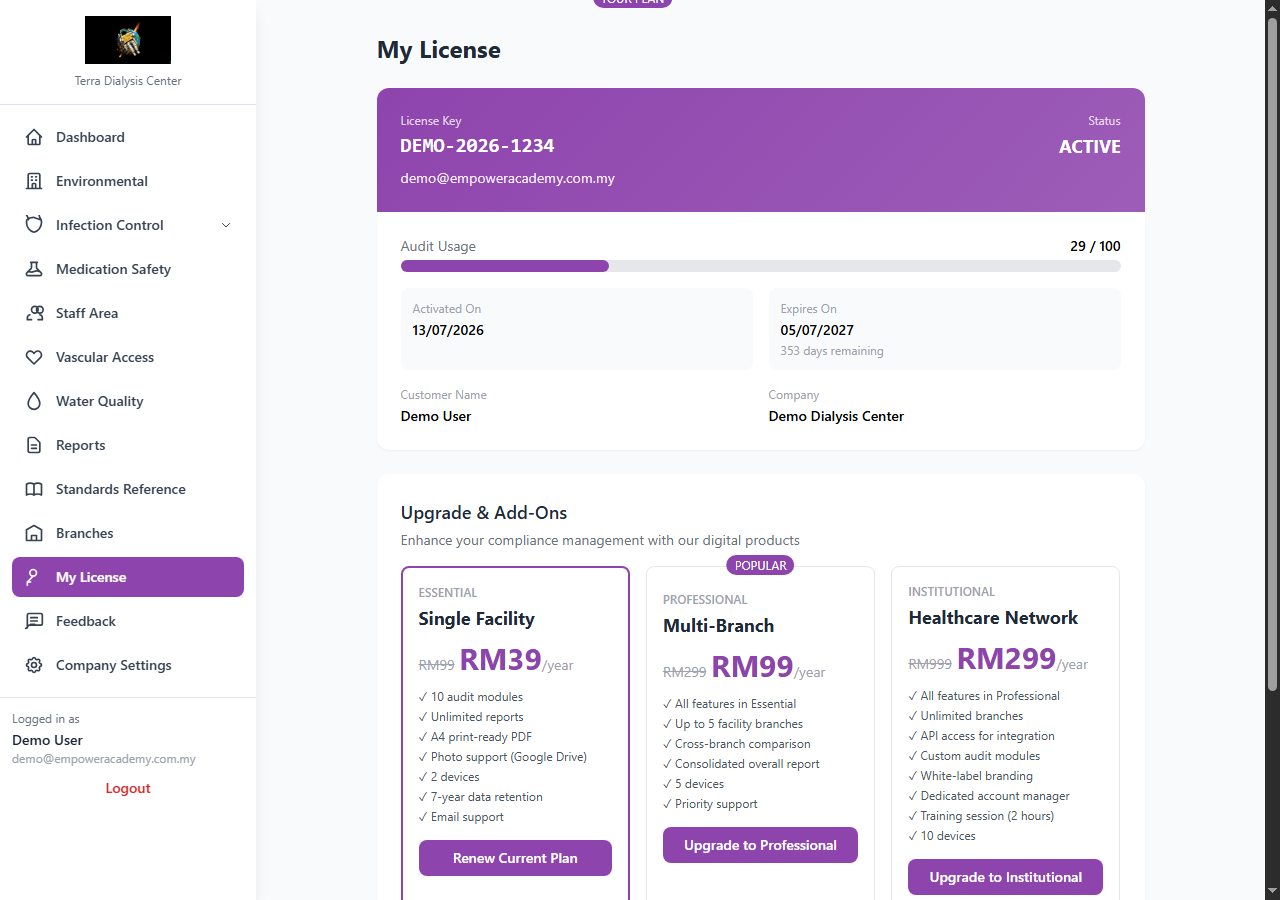
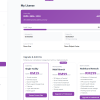
Plan Comparison
| Feature | Essential (RM39) | Professional (RM99) | Institutional (RM299) |
|---|---|---|---|
| Audit modules | 10 | 10 | 10 + custom |
| Branches | 1 | Up to 5 | Unlimited |
| Devices | 2 | 5 | 10 |
| A4 print reports | Yes | Yes | Yes |
| Photo evidence (Google Drive) | Yes | Yes | Yes |
| Year-over-year comparison | Yes | Yes | Yes |
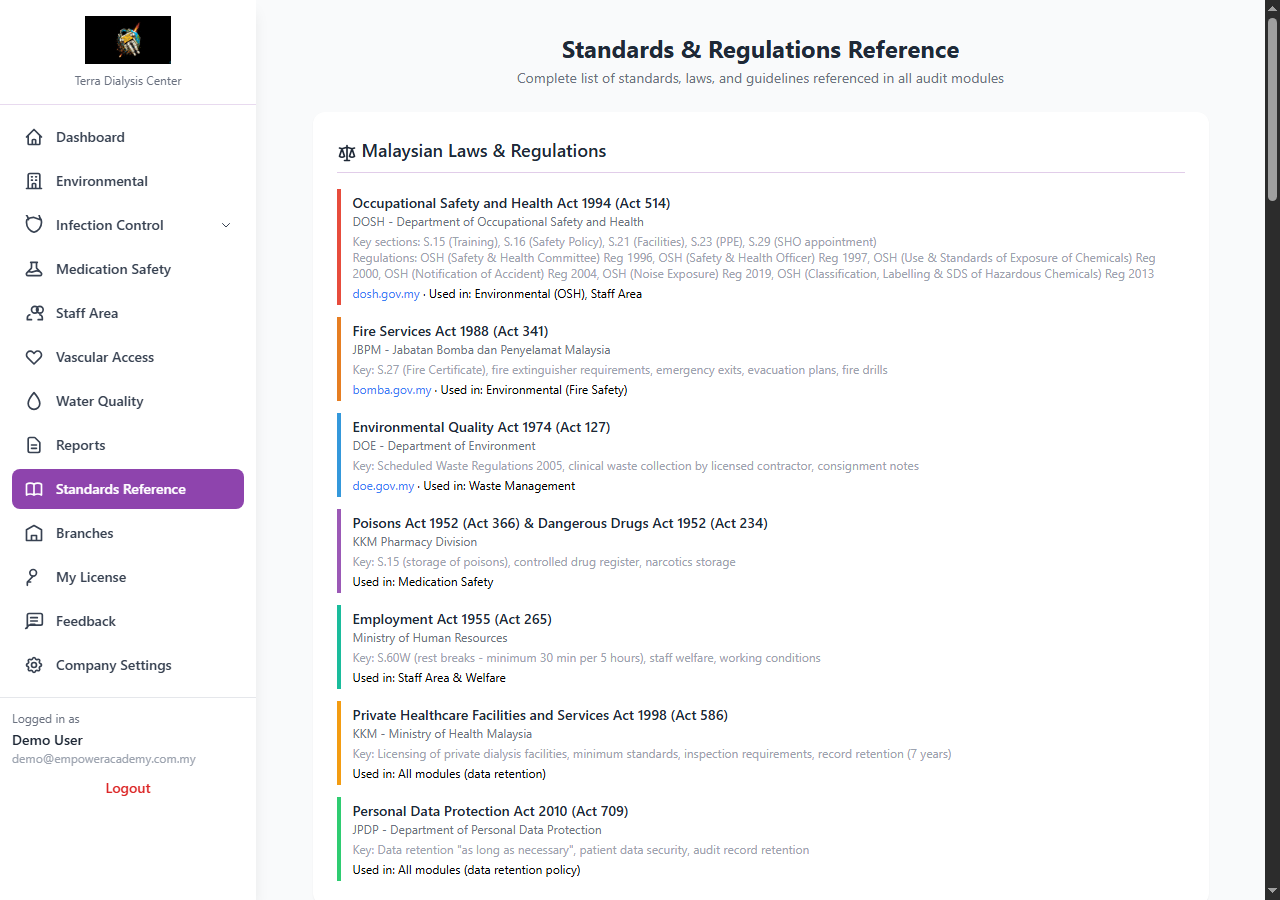
| Standards reference page | Yes | Yes | Yes |
| Feedback and support tickets | Yes | Yes | Yes |
| Cross-branch comparison | – | Yes | Yes |
| Consolidated report | – | Yes | Yes |
| API access | – | – | Yes |
| Custom audit modules | – | – | Yes |
| White-label branding | – | – | Yes |
| Training session | – | – | 2 hours |
| Data retention | 7 years | 7 years | 7 years |
| Price/year | RM39 | RM99 | RM299 |
How to Use – Step by Step
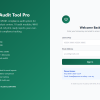
- Login – Enter your license key and email at the login page
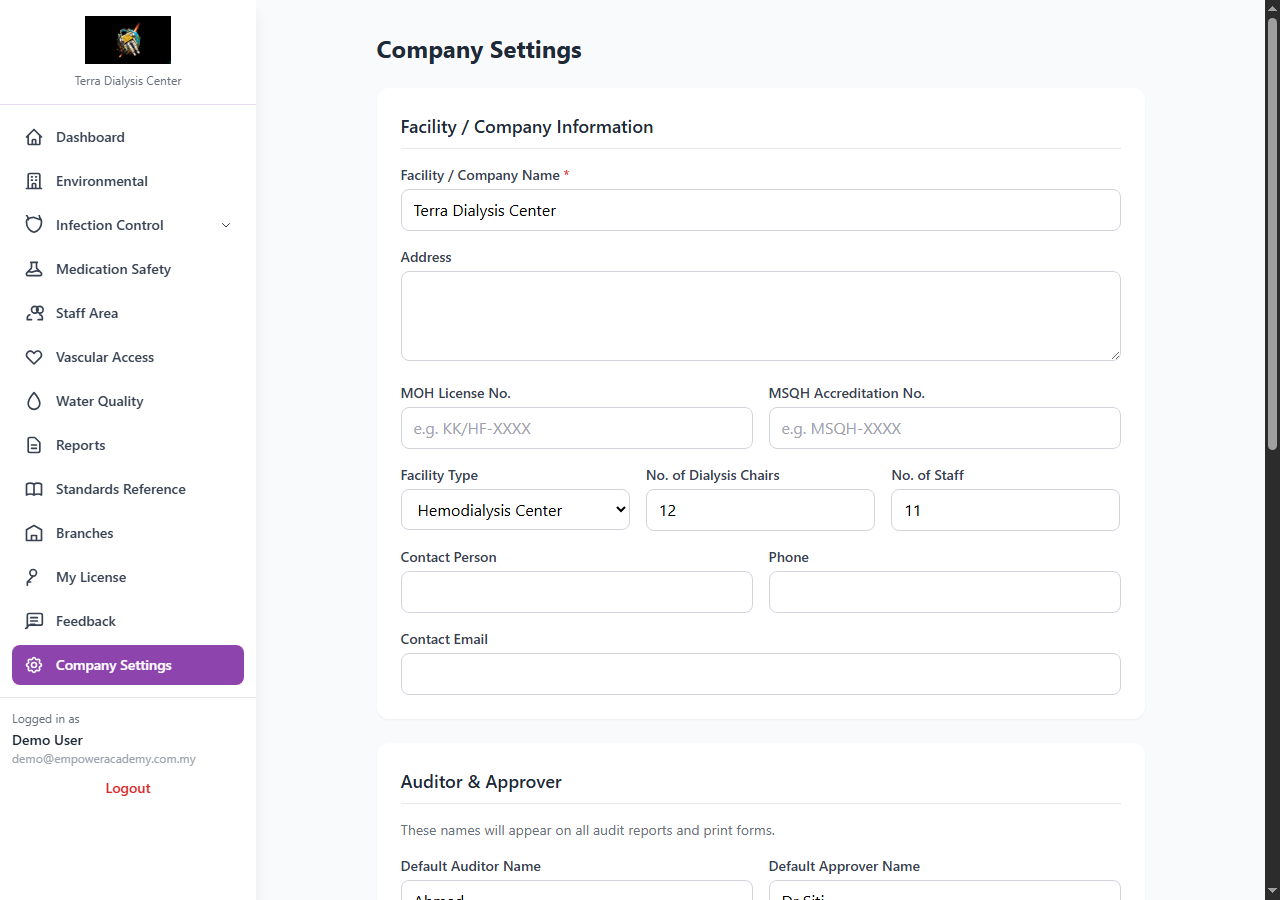
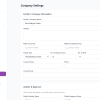
- Company Settings – Upload your logo, set auditor name, approver name, MOH license number, theme color
- Select Audit Module – Choose from 10 modules in the sidebar
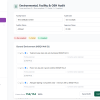
- Score Each Item – 0 = Non-compliant, 1 = Partial, 2 = Compliant. Add findings and corrective actions
- Add Photo Evidence – Upload photos for any audit item (stored on Google Drive, zero server impact)
- Save and Complete – Save as draft or complete the audit
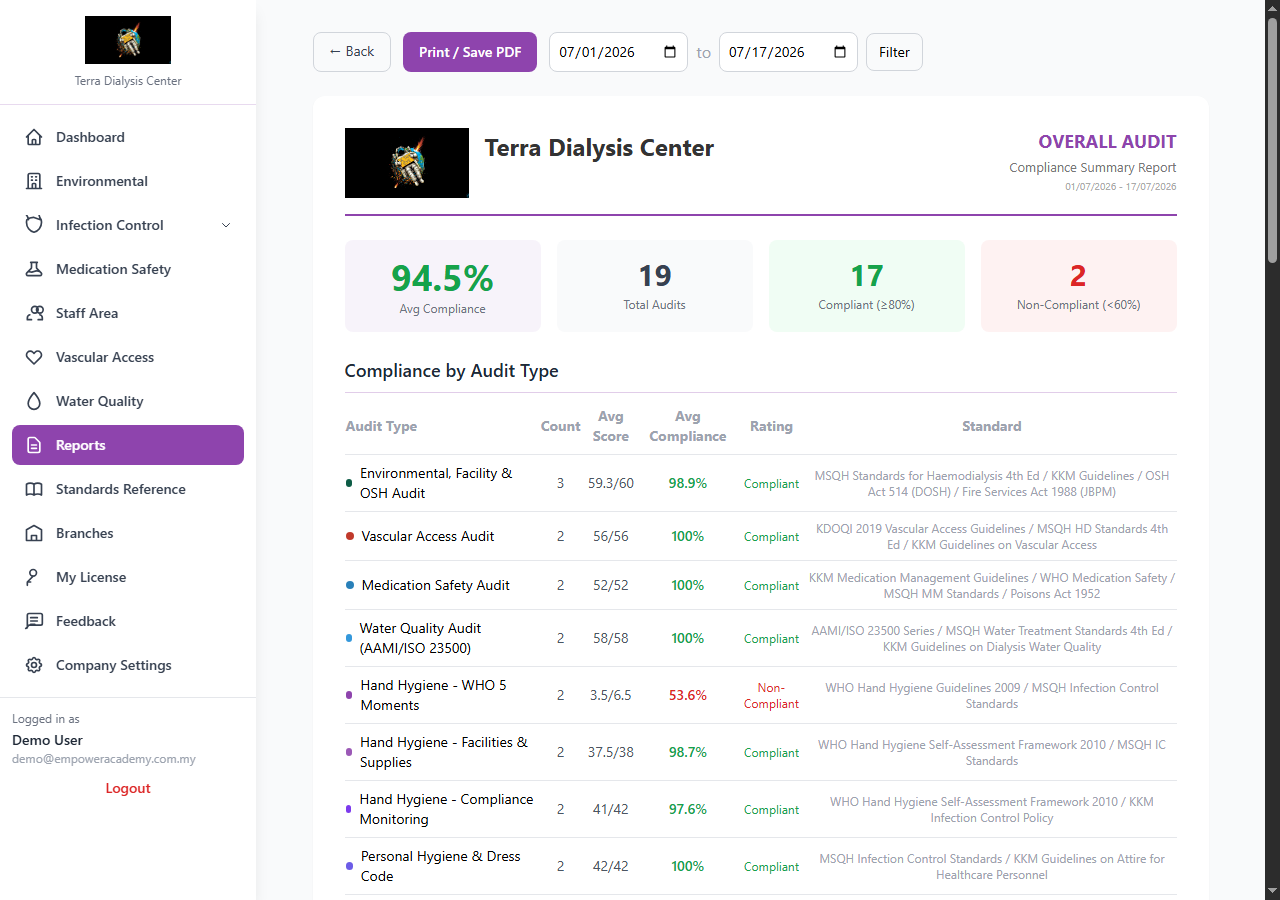
- View Report – A4 print-ready report with your logo, scores, photos, signatures
- Print or PDF – Click Print button, save as PDF from browser
- Compare – Compare with previous audits to track improvement
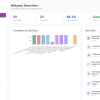
- Overall Report – Generate consolidated report across all audit types with compliance trend chart
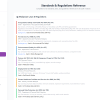
Standards Referenced
MSQH Standards for Haemodialysis 4th Edition | KKM Guidelines | OSH Act 514 (DOSH) | Fire Services Act 1988 (JBPM) | Environmental Quality Act 1974 (DOE) | WHO Hand Hygiene Guidelines 2009 | KDOQI 2019 | AAMI/ISO 23500 | CDC Guidelines | Poisons Act 1952 | Dangerous Drugs Act 1952 | Employment Act 1955 | PDPA 2010
Free Client Guide Included
Every purchase includes a comprehensive 17-section Client Guide PDF covering all features, step-by-step instructions, and FAQ.
(FAQ)
1. Will the renewal fee remain at RM39 annually?
Yes. The RM39/year promotional price is locked in for existing subscribers. Your renewal will remain at RM39/year as long as you maintain an active subscription. New subscribers after the promotional period will pay the regular price of RM99/year.
2. How many staff members can access the system under one Essential Plan license?
The Essential Plan supports 2 devices simultaneously. This means 2 staff members can be logged in at the same time (e.g., 1 PC for the auditor + 1 phone for the supervisor). Need more devices? Upgrade to Professional (5 devices) or Institutional (10 devices).
3. Is there any limitation on audits, reports, or photo evidence?
None. You can create unlimited audits, generate unlimited A4 reports, and upload unlimited photo evidence. Photo evidence is stored on Google Drive (Empower Academy business account, 2TB storage) at no additional cost to you.
4. What does “2 devices” mean? Can I replace a device?
A “device” is identified by your browser + IP address. This means you can access from any computer, phone, or browser. You can manage your devices yourself:
- Self-manage: Go to Settings > Device Management to view all registered devices and remove any old device with one click
- Auto-reset: Devices that have been inactive for more than 24 hours are automatically removed to free up slots
- No email needed: You do not need to contact us to reset devices – you can do it yourself anytime
5. Can we customise items within the existing 10 audit modules under Essential Plan?
Yes. Within each audit module, you can add new audit items specific to your centre’s policies and Infection Control Committee requirements. You can also edit existing items, remove items that are not relevant, or simply score them as compliant. The system is fully flexible – the 315 default items are based on MSQH, KKM, DOSH, and WHO standards, but you can tailor them to your centre.
6. Are added items permanently saved for future audits?
Yes. Any items you add within an audit module are permanently saved and will automatically appear in all future audits of that module type. You do not need to re-add them each time. However, if you prefer a one-time custom item for a specific audit, you can add it for that session only.
7. Can existing items be edited, removed, or marked as not applicable?
Yes. You have full control:
- Edit: Modify any item’s criteria text
- Remove: Delete an item permanently from the module
- Mark as N/A: Simply score the item as “2” (Compliant) and note “Not applicable to our centre” in the finding field
Changes to items are reflected in all future audits of that module.
8. Can we access previous audit records if subscription is not renewed?
If your subscription expires, your account will be suspended (not deleted). All your audit data is preserved for 7 years per Malaysian law (MOH Act 586, PDPA 2010). To regain full access, simply renew your subscription. If you need to export your data before the retention period ends, contact us and we will provide a full CSV export at no charge.
9. Where are photo evidence files stored – our Google Drive or yours?
Photo evidence is stored on Empower Academy’s Google Drive business account (2TB storage), not your centre’s account. This ensures:
- Photos are always accessible from the audit tool
- No impact on your centre’s storage
- Photos are linked to audit items automatically
- Photos appear in A4 print reports
If your centre requires photos to be stored on your own Google Drive, this can be arranged under the Institutional Plan with API access.
10. Are there any additional charges apart from the RM39 annual fee?
No hidden charges. The RM39/year covers everything:
- All 10 audit modules (315 items)
- Unlimited audits and A4 reports
- Unlimited photo evidence (Google Drive storage)
- 2 devices access
- 7-year data retention
- Email support
The only optional upgrades are Professional Plan (RM99/year, 5 branches) and Institutional Plan (RM299/year, unlimited branches + API + white-label).
11. Having trouble adding the product to cart?
If you experience a cart issue (item appears added but cart shows empty), please try:
- Clear your browser cache and cookies
- Use a different browser (Chrome, Firefox, Edge)
- Ensure you have selected a plan variation (Essential, Professional, or Institutional) before clicking “Add to Cart”
- Contact us at [email protected] or call 017-5647798 for assistance
We can also process your order manually if needed.
Reviews
There are no reviews yet.